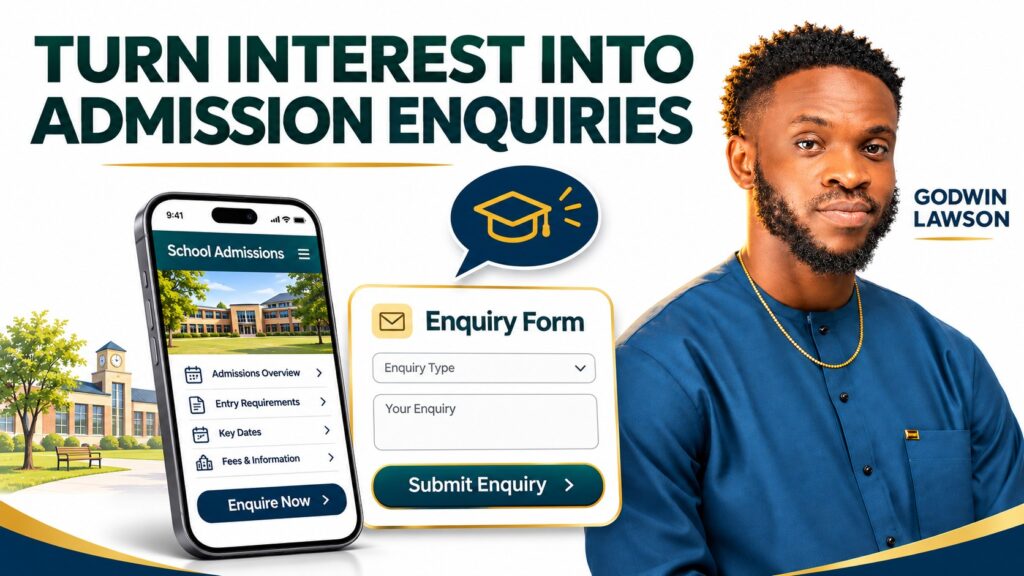
A school website can receive visitors without producing many admission enquiries. The reason may be a mismatch between the audience and the offer, missing information, an unclear next step, a difficult form or a problem with how enquiries are received and followed up.
Before paying for more traffic or commissioning a complete redesign, find out where that journey becomes difficult. Visitor numbers alone cannot tell you whether prospective parents and applicants understood the school or had enough confidence to make contact.
This guide is for school proprietors, management teams and admissions officers reviewing their public website. My perspective comes from building educational websites through Techmita and operating Mita School. It is a review method, rather than a diagnosis of any particular institution’s results.
First, define what counts as an admission enquiry
A page view, a WhatsApp button click and an admission application are different actions. A person may open WhatsApp without sending a message. Another may telephone after reading your website, leaving no form submission to count.
Agree a definition with the admissions team. For example: a new parent or applicant who contacts the school about a relevant programme and provides enough information for a reply. Record applications and confirmed enrolments separately.
| Signal | What it helps you understand | What it does not establish |
|---|---|---|
| Programme page visits | Interest in that information | That every visitor is a suitable applicant |
| Contact button clicks | An attempt to take the next step | That a conversation took place |
| Relevant enquiries received | Actual contact from prospective families or learners | That admission or enrolment followed |
| Completed applications | Progress into the admissions process | That the applicant was admitted |
1. Check whether the right people are visiting
A popular announcement can attract readers who are not looking for admission. Existing students may visit for downloads. A visitor in another location may need boarding or online options the school does not offer.
Review the pages people enter through, their search questions where available, and the source of relevant enquiries. Separate admissions content from news, alumni information and resources for current families. Each serves a useful purpose, but their visitor totals should not be treated as equivalent sales opportunities.
If the school wants more suitable enquiries, its programme pages need to describe who the programme is for, where learning takes place and what admission requires.
2. Answer the questions people need resolved
Imagine a parent arriving directly on a programme page without reading the homepage. Can they understand the age group or qualification level, location, learning provision and admission process?
- Which programme or school section is available?
- What are the entry requirements and relevant dates?
- Where is the school, and how can someone arrange a visit?
- What fees or fee-enquiry arrangements apply?
- What should an interested person do next?
Where information changes, assign an owner and review date. If fees are supplied privately, explain how to request the current fee schedule. A vague instruction to contact the school for everything makes comparison harder.
For institutions planning application systems, my guide to building an online admission portal explains the wider workflow. Clear admission information remains necessary even when a portal exists.
3. Connect useful information to the next action
A generic contact button can leave readers unsure whether they are requesting a prospectus, booking a visit or starting an application. Use a label that describes the actual action: “Ask about admission”, “Arrange a school visit” or “View application requirements”.
Put that next step where a reader has enough context to use it. A programme page can lead to its admission requirements; those requirements can lead to the correct application or enquiry route. Avoid sending everyone back to a crowded homepage.
Review the whole route: the page someone enters, the answer they need, the action they take and the person who receives it.
A project example: organising the NCI information journey
My Nigerian Christian Institute website project, delivered through Techmita, connects institutional information, admissions destinations, news and resources. It illustrates how a school can organise information for different visitors. The published case study documents the website work; it does not establish an increase in admissions.
The practical lesson is to review connections between pages. An attractive introduction has limited value if relevant admission information is difficult to locate from it.
4. Review the experience on a phone
Ask a colleague who did not build the website to complete one task on a phone: find a suitable programme and ask about admission. Observe where they hesitate.
Check that menus are usable, text is readable without zooming, buttons are easy to select and important content is not hidden by pop-ups. Test ordinary mobile conditions as well as office Wi-Fi. Measure loading issues before deciding what needs technical work.
5. Check forms and message delivery
A form may look functional while messages fail to reach the intended inbox. With the school’s permission, submit a clearly labelled test, verify receipt and confirm who handles it. Test the confirmation message too: applicants should understand whether their enquiry was received and what happens next.
Keep initial enquiry forms proportionate. A person asking for programme information usually does not need to upload every admission document. Full applications can use a separate process with appropriate access and handling arrangements.
6. Review the response after the website enquiry
Agree who replies, what information they provide and how unresolved conversations are followed up. Review a small sample of actual enquiries with unnecessary personal details removed. Were the replies useful? Did the applicant get the fee information or visit instructions requested?
Traffic acquisition, website clarity and admissions follow-up are connected. Changing the website cannot correct every issue in the wider process.
What should you improve first?
Start with the obstacle that stops a relevant visitor completing the next step. Broken contact details and missing requirements deserve attention before decorative changes. Record the change date and compare relevant enquiries over a sensible period, accounting for admission cycles and advertising.
For a broader scope decision, read school website versus school management system. My website design and development services and website care services cover different starting points.
Frequently asked questions
Will a new design automatically increase admission enquiries?
No. Results depend on audience, programme suitability, information, usability, follow-up and other factors. Diagnose the obstacles and agree what will be measured.
Should a school use WhatsApp or an enquiry form?
Choose routes the school can manage reliably. Both can be useful if their purpose is clear and enquiries reach the responsible team.
How much traffic does a school need before reviewing its website?
There is no universal threshold. Review basic usability and delivery immediately, while treating conclusions from small visitor numbers cautiously.
Discuss your website with me
I am Lawson Godwin Hezekiah, founder of Mita School and Techmita. Tell me what your organisation needs to improve, who the website serves and what visitors should be able to do. We can agree the scope, priorities and next steps.
- WhatsApp: Send me a message on WhatsApp.
- Contact form: Send a project enquiry through my contact page.
- Email: [email protected].
- Phone: +234 703 799 7791.
Based in Uyo, Akwa Ibom State, Nigeria. Remote project arrangements can be discussed.




